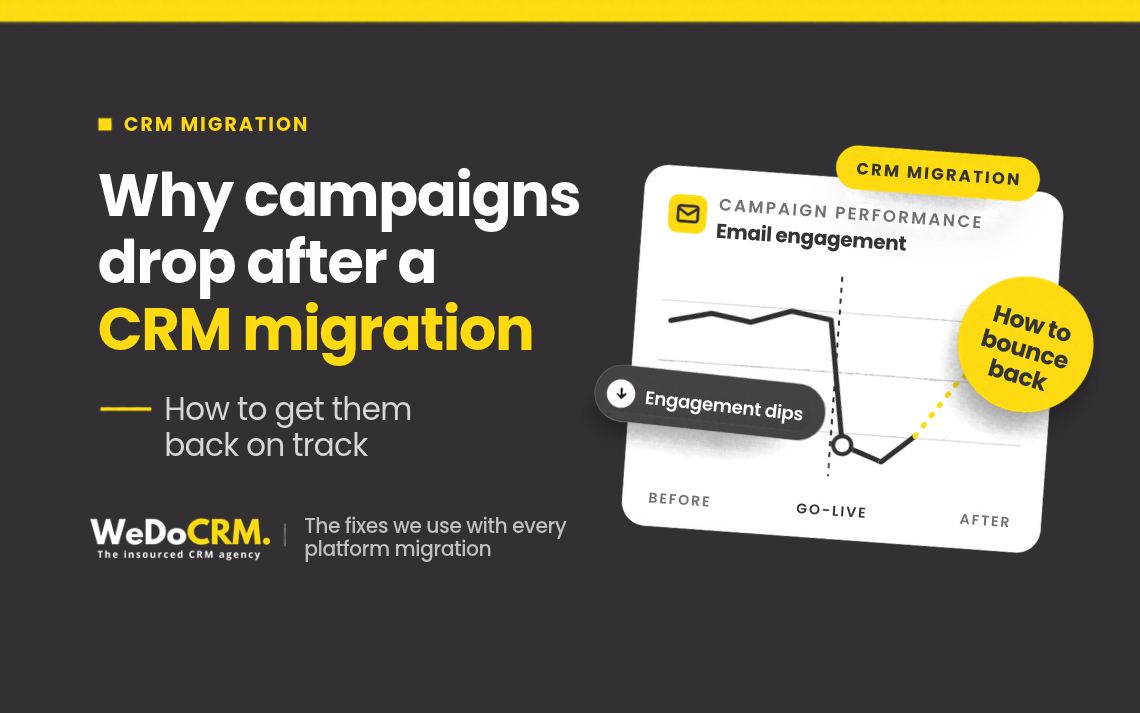

Why Campaigns Drop After a CRM Migration
You’ve signed off the new platform, the data is in, the champagne’s metaphorically popped and the first campaign goes out. Then the numbers come back: open rates down, clicks down, conversions down, and a spike in bounces, and you’re asking whether the migration was a mistake.
This is not new news after a CRM migration, it doesn’t mean you chose the wrong platform here, the dip is common and the causes are usually predictable. Most of them come down to the fact your old system held YEARS of context that the new one doesn’t have yet.
Our brilliant CRM team has come together to share six common reasons campaign performance can take a hit after a CRM migration, along with what you can do to fix them. Plus, there’s a handy checklist at the end to help keep your campaigns on track!
If you’re still at the planning stage, our CRM Migration Checklist for Success covers the wider project.
CRM Migration Mistakes – 7 Steps
Why can campaign performance take a hit after a CRM migration?
Let’s start with the main reasons why. Moving to a new CRM doesn’t mean everything moves across perfectly. Your old platform has built up sending reputation, customer data, audience segments, automations and tracking over time. When you switch systems, these things need to be carefully transferred, rebuilt and tested.
So, what can go wrong?
- Your sender reputation starts again
- Email authentication isn’t set up correctly
- Your data migrates, but your data hygiene doesn’t
- Engagement history gets lost and segments stop working properly
- Automations aren’t recreated as they should be
- Campaign performance is measured differently
1. Your sender reputation starts again
So your inbox providers don’t know you yet. Your new platform may send from new Internet Protocol (IP) addresses. To Gmail and Outlook, you’re a stranger turning up at the door with 20,000 leaflets. Understandably, they send a lot of it to spam. It gets throttled, filtered to junk or quietly delayed. Your campaign hasn’t got worse, it’s just fewer people are seeing it.
Fix: Start small with your most engaged contacts, then build up volume over a few weeks. Warm up new IPs and send domains gradually. Start with your most engaged contacts and increase volume over two to six weeks.
2. Email authentication isn’t set up correctly
Your emails need to prove they’re actually from you. So your Sender Policy Framework (SPF), DomainKeys IdentifiedMail (DKIM) and Domain-based Message Authentication, Reporting and Conformance (DMARC) come in. (Gosh that was a lot of jargon and acronyms).
Move platforms without updating them, and inbox providers start asking awkward questions. They live in your domain settings rather than the CRM, which is exactly why everyone forgets them.
Fix: Buy your IT team a coffee and get these set up before your first send.
3. Your data migrates, but your data hygiene doesn’t
The unsubscribers have risen from the dead! People who unsubscribed, addresses that bounced and duplicate contacts often sneak back in during an import. Emailing people who asked you to stop is a quick way to earn complaints and damage your sender reputation.
Fix: Migrate your suppression lists and consent data separately, check everything has mapped correctly and remove duplicates before sending your first campaign.
4. Engagement history gets lost and segments stop working properly
This is what we describe as… your segments now have amnesia. “Opened in the last 90 days” only works if the system remembers the last 90 days. That history lives in the old platform’s activity data. It’s often left behind because it’s bulky and awkward to import. Campaigns meant for warm audiences go to the whole database, including people who stopped reading years ago. Engagement falls, and trust us, mailbox providers notice!
Fix: Bring across last open, last click and last purchase dates. Check segment sizes before you hit send. For the first few weeks, send to your most engaged audience and widen it gradually.
5. Automations aren’t recreated as they should be
Your automations got lost in translation… Welcome series, nurture tracks, abandoned basket emails and renewal reminders often earn more revenue than one-off campaigns. They’re also full of small logic nobody wrote down: a wait step here, an exclusion there, a field that triggers a branch.
No two platforms build journeys the same way, so automations get rebuilt by hand. Small differences add up. A trigger fires on a different event. An exclusion is missed, so customers get prospect emails. A journey goes live before its source data is ready and sends nothing.
Fix: Map every live automation before you migrate, including triggers, timings, exclusions and goals. Test each rebuilt journey with real test contacts. Then compare volumes against the old system for the first month.
This is where Boosting the Cashback Platform Quidco with CRM Support shows what insourced CRM support looks like day to day.
6. Campaign performance is measured differently
Every platform counts “opens” and “clicks” a little differently. Broken tracking links can also make email sales show up as “direct” traffic, so your email looks worse than it is while some other channel takes the credit.
Fix: check how each platform measures results, and set a fresh baseline before you start blaming anyone.
A checklist to protect your CRM revenue during a platform migration
Before you migrate
- Audit every live campaign, segment and automation, with its logic written down.
- Export suppressions, consent status and key engagement fields separately.
- Record baseline metrics, and how the old platform defines them.
During the migration
- Set up SPF, DKIM, DMARC and branded tracking domains.
- Import suppressions and consent first, then deduplicate.
- Rebuild and test segments and journeys with real test contacts.
- Reconnect UTM tracking and analytics integrations.
After go-live
- Warm up sending volume, starting with your most engaged contacts.
- Watch bounce, complaint and inbox placement rates daily for the first few weeks.
- Compare segment sizes and journey volumes against the old system.
- Set a new baseline after a month or two of stable sending.
Why a CRM agency migration support model helps
We’re an insourced CRM agency. Our specialists work inside your tools and your team, rather than taking a brief away and sending it back. We cover advising, implementing migrations, running campaigns and building custom integrations, across platforms including Salesforce, HubSpot, Bloomreach and Customer.io.
Because we’re platform-agnostic, our advice follows what’s right for you.
And if you’re still weighing up why CRM matters, read What is CRM and Why is it Important for your Small Business?
The dip is fixable
A drop in performance after a migration doesn’t mean your new platform isn’t working. It often means a few important things haven’t made the move with you.
Get the basics right, from sender reputation and authentication to data, automations and tracking – and you can get your results back on track.
- Record your baseline metrics before you move.
- Fix authentication and suppressions before the first send.
- Widen your audience gradually, and keep the old system until the numbers match.
Planning a CRM migration, or watching your numbers slide after one? We’d love to hear from you! We’re genuinely those people who get excited about migrations. New platforms, tricky data, a bit of problem-solving… it’s our thing.
Frequently Asked Questions
How long does a post-migration campaign dip last?
It varies, and we can’t give a fixed figure. Warming up new IPs and domains typically takes two to six weeks. Setting a new baseline after a month or two of stable sending gives you a fairer view of true performance.
Should I switch off my old CRM straight after go-live?
No. Keep access until you’ve compared segment sizes, journey volumes and reporting against the old system. Switching off too soon makes recovery much harder if something has gone wrong. Retire old DNS records only once you’ve fully switched over.
Do I need a CRM agency for a platform migration?
Not always, but it helps when your team is stretched or lacks migration experience. Our CRM migration services cover planning, authentication, data hygiene, automation rebuilds and tracking, working inside your team throughout.